Kyrex

Service · 05 of 08 — Portals & Custom Platforms

Your users need an interface.
Your team built a workaround.

Shared drives, email chains, WhatsApp groups — the workarounds that accumulate when there's no dedicated interface for a specific user group. Kyrex builds portals where multiple roles can submit, approve, track and review without stepping on each other.

Exam Portal — Admin
3 online

Role Tiers

Applicants
124
Reviewers
8
Managers
3
Admin
1

Audit Trail

Approved

Syllabus 2024

by CoE

Submitted

Paper Set — Math

by Ajay T.

Rejected

Draft v1

by Dr. Mehra

Published

Exam Guidelines

by CoE

Search submissions…
All Roles
This Month
New
Submitted
3

Exam Schedule Q4

Raj Kumar
2h ago

Lab Manual Update

Priya S.
1d ago

Paper Set — Math

Ajay T.
2d ago
Add submission
Reviewing
2

Course Outline v3

Dr. Sharma
Review

Academic Calendar

Maya R.
Review
Approved
2

Syllabus 2024

CoE Office
Live

Exam Guidelines

CoE Office
Live
7 items total
RBAC enforced
All logs synced

Built for accountability

Across active deployments · 2026

0
RBAC levels live
Manager · Controller · Admin (GGSIPU Exam)
0
Custom content types
Per portal, isolated by role
0
Lines of custom PHP
GGSIPU exam plugin alone
0
Disciplines wired
From RBAC to public display

What we build · 7 layers

Seven layers.
One controlled environment.

Structured multi-user workflow across the whole surface — RBAC, dashboards, document state machines, audit trails, and public-facing display. Permissions modeled first, features built around them.

L01

Role-based access control (RBAC)

Designed from scratch — each role gets exactly the capabilities it needs, no more. Hard-enforced, not advisory.

L02

Custom dashboards

Interfaces built for each role — what a manager sees is different from what an admin sees from what a viewer sees.

L03

Document and content workflows

Submission → review → approval → publish. Each stage tracked, notified, and logged.

L04

Automated notifications

Email and messaging notifications triggered by workflow events — submission received, approved, rejected, modified.

L05

Bulk actions and admin tools

Approve, reject, or modify multiple items simultaneously. Admin interfaces built for the people who run the system daily.

L06

Audit trails

Every action logged — who did what, when. Compliance-ready from day one.

L07

Public-facing display

Approved content surfaced to the right audience via shortcodes or custom templates — with filtering and search.

Bridge → Engagement

Build the portal you need.

All 7 layers — same permissions-first discipline running across every Kyrex portal today.

In production · 3 portals live

Three portals.
Three control problems solved.

Government RBAC, academic publishing, hyper-local commerce. Each portal solved a specific accountability problem its team couldn't solve in email.

GGSIPU Exam Department
CASE 01Production
Live

Government RBAC

GGSIPU Exam Department

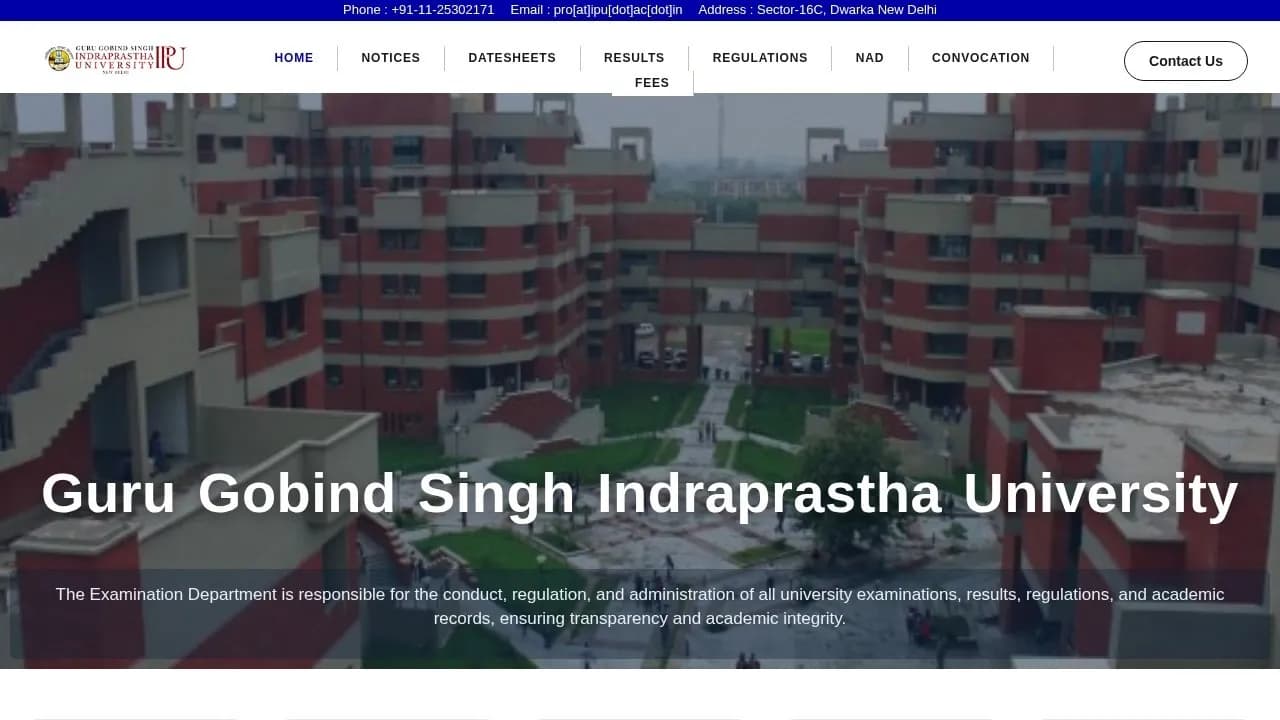
3-level RBAC for a government university examination department — 5 content manager roles, a Controller of Examinations with publish rights, and full administrator access. ~2,656 lines of custom PHP.

5 content manager roles + Controller of Examinations + full admin
6 custom content types with isolated media libraries per manager
View case study
GGSIPU Journal Platform
CASE 02Production
Live

Academic Publishing

GGSIPU Journal Platform

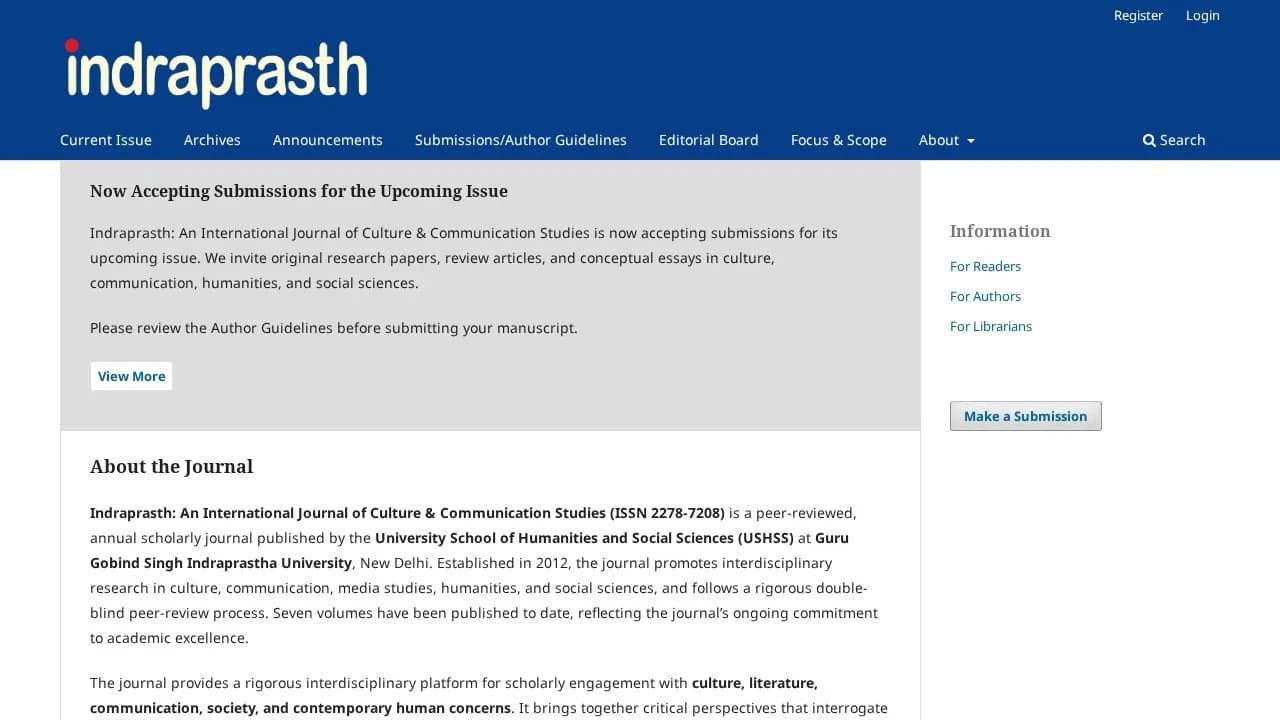
OJS-based academic publishing platform — structured submission, peer review, and publication workflow for a university journal system. Migrated from legacy PDF management.

Structured manuscript submission + peer-review workflow
Multi-stage publication pipeline with reviewer assignment
View case study
Horeka Discover
CASE 03Production
Live

Reservation Platform

Horeka Discover

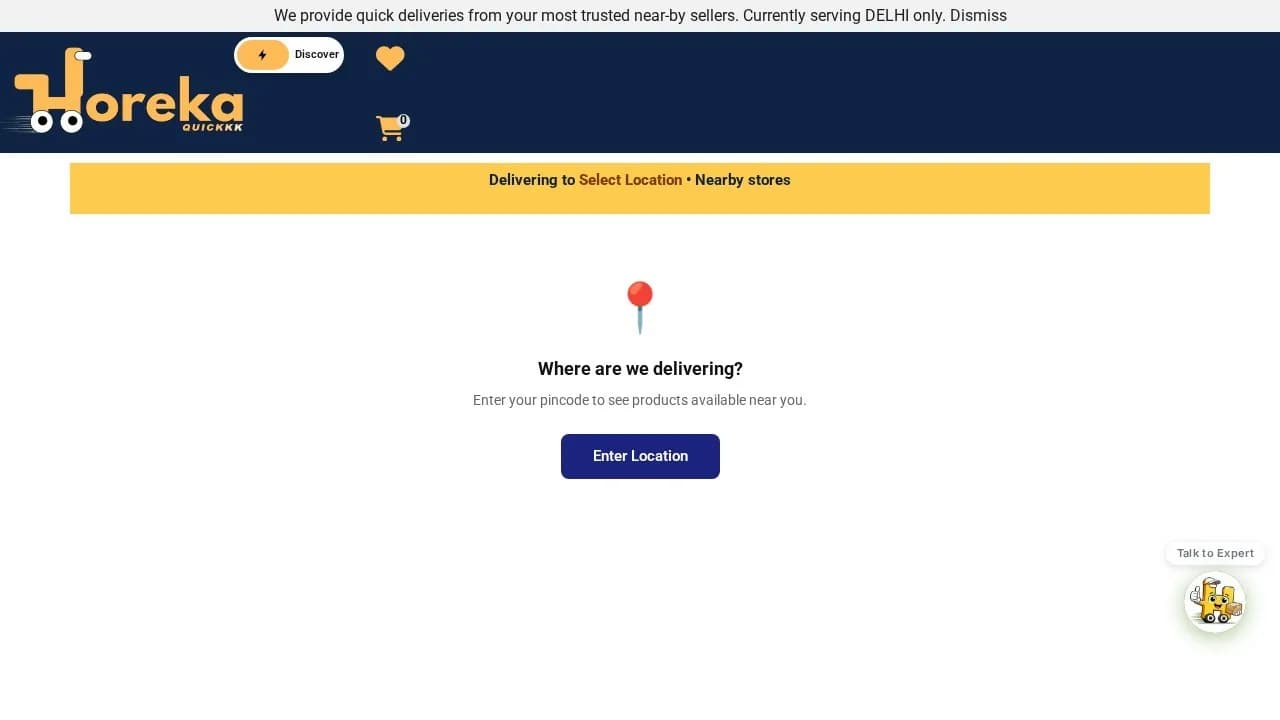
Reservation portal for a hyper-local commerce platform — customers browse, reserve products at nearby stores, managers receive and respond via WhatsApp. No dedicated app required.

Browse + reserve products at nearby stores by pin code
Manager response via WhatsApp — no dedicated app required
View case study

How we approach this

Permissions first.
Features second.

Most portal builds focus on features. Kyrex focuses on permissions first — who can see what, who can do what, and what happens when someone tries to do something they shouldn't.

Getting RBAC wrong creates compliance risks and operational chaos. Getting it right means the system runs itself — submissions flow through approval chains automatically, notifications fire at the right moments, and managers spend time on decisions rather than administration.

What permissions-first means in practice

  • Roles modeled before the first interface is designed — never bolted on after.
  • Hard-enforced access at the data layer — UI hiding alone is not security.
  • Audit logs from day one — every action traceable to a user and a timestamp.
  • Workflow stages designed around accountability, not just task completion.

Fit check

Honest about who
this is for.

Right fit · 6

  • Government and institutional departments managing content approval
  • Professional services firms with client document submission workflows
  • Educational institutions publishing structured academic content
  • Businesses managing multi-party booking or reservation flows
  • Organisations with strict role-based access requirements
  • Platforms where managers need to approve before things go live

Wrong fit · 5

  • You only have one type of user — a portal is role-based by nature; if everyone does the same thing, you need a website, not a portal
  • You haven't defined what different users should and shouldn't see — we can't build access control around 'we'll figure it out later'
  • You're looking for a simple contact form or a static information page — this is structured multi-user workflow, not a brochure
  • Your volume is low enough that email or a shared sheet still works fine — the overhead of a portal isn't justified without real operational scale
  • You want it built in a week — portals require careful permissions design; cutting that corner creates compliance and security debt

Portals & Custom Platforms · Engagement options

Need a portal?
Scope the permissions first.

Most clients arrive thinking they need a portal. Many actually need a sharper workflow on tools they already have. The Blueprint tells you which — independent research, ₹15k credited if you proceed.

Path 01 · Start a project

If you have your roles + workflows mapped already.

Start a project.

Brief us on the roles, workflows, and access rules. We come back within one business day with scope, timeline, and cost.

Path 02 · The BlueprintRecommended

If you're not yet sure which roles, workflows, or audit trails you need.

Get the Blueprint.

A fixed-fee engagement. We map your roles, your workflows, and what actually needs auditing — then hand you a written report on whether a portal is the right answer (it isn't always).

₹15,000· credited if you proceed
[email protected]Reply within 1 business day